
Mods
Sims 4 Spellbook Injector V2
Sims 4 Spellbook Injector V2
- Department
- Mods
- Added
- 8 Sep 2021
- Updated
- 8 May 2022
Sims 4 Spellbook Injector V2
This mod was originally developed and released by user r3m, and is required by many custom spell mods. However, it began to throw exceptions some time ago, and r3m apparently hasn't been logged in since late 2019. Since I liked this mod, and the many custom spells that rely on it, I decided to fix the errors that users have been experiencing with it.
Here's most of the original description of this mod from r3m's posting, since I can't improve on it, updated for V2.
Mod Overview
The Spellbook Injector is a utility mod that loads custom spells into the game. These spells won't override any EAxian tuning, which ensures that creations from different modders will be compatible!
If you're a modder interested in making new spells for Spellcasters, then this is for you! The Spellbook Injector will take care of all the scripting required to inject a new spell, so you don't have to worry about maintaining a Python script. Instead you can focus on the tuning of you spell. For more details and documentation about developing your own spells, see r3m's original posting.
Features
Below is a list of what the Spellbook Injector (V2) actually does:
- injects spells developed by modders to the spellbook
- allows injected spells to be learned randomly through one of the following interactions:
- -- "Ask to Teach Spell"
- -- "Duel for Knowledge"
- -- "Practice Magic"
-
-makes custom magic tomes purchaseable in Caster's Alley's market stall-(This feature is currently disabled) - makes custom magic tomes findable through the "Search for Tomes" interaction
- unlocks custom spells for newly generated Sages
- allows injection of potential outcomes that result from the Curse of Scrambled Spells
- allows injection of interactions that are exclusive to spellcasters
Installation & Testing
If you had previously installed the original version of the Spellbook Injector, remove it before installing this version.
Spellbook_Injector_V2.zip is the main download meant for users. It contains 2 files, which must go (no deeper than one 1 folder) inside your "Mods" folder.
| File | Description |
|---|---|
| r3m_spellbook_injector_V2.package | Required tuning for the Spellbook Injector |
| r3m_spellbook_injector_V2.ts4script | Required script for the Spellbook Injector |
| Readme.txt | Instructions for use |
Version 2 Notes
This fix is compatible with all spells that were written for V1 of the Spellbook Injector, as the changes I made to fix it were fairly minor. There is one bit of functionality that has been disabled for the time being: making custom magic tomes purchasable from Caster's Alley in the Magic Realm. Many users reported issues with being able to buy anything a the RoM market stalls while V1 of this mod was installed, so I disabled that for now.
TO ENSURE CONTINUE SUPPORT OF THIS MOD I have included the current Python source code within the .ts4script archive. If I vanish too, hopefully other modder can pick it back up and continue supporting it. This mod lets us do some cool things, and we should try to keep it around.
What exactly was 'fixed' in V2?
The error that V1 had been throwing originated in the spell loading code.
The main cause was the code that attempted to write directly to log files in the user's Mods folder. It ended up generating an invalid path on a Mac, so the code threw an error when it tried to log the spells that had been injected. I considered fixing the code that generated the log file paths to work correctly on a Mac, but in the end decided that it was better to use the Sims 4 built-in logging functionality. These logs aren't normally generated and viewable on a user's machine, but if you install Scumbumbo's Log Enabler, you can see all of them, including the Spellbook injector log.
So _tuning_loaded_callback in __init__.py changed from this:
Code:
    @classmethod
    def _tuning_loaded_callback(cls) -> None:
        try:
            if Tuning.IS_WITCH_BUFF is None:
                msg = f'{cls}: no tuning for the witch interactions. Check both the package and ts4script were installed properly.'
                logger.error(msg)
                raise ValueError(msg)
            if cls.witch_interactions is not None:
                cls.inject_witch_interactions()
            else:
                logger.info(f'{cls}: no witch interactions.')
        except BaseException:
            msg = f'{cls}: exception ocurred while processing'
            logger.error(msg)
            with open(get_log_file(), get_log_mode()) as infile:
                infile.write(msg)
                infile.write(traceback.format_exc())
                infile.write('\n\n')
To this:
Code:
    @classmethod
    def _tuning_loaded_callback(cls) -> None:
        try:
            if Tuning.IS_WITCH_BUFF is None:
                msg = f'{cls}: no tuning for the witch interactions. Check both the package and ts4script were installed properly.'
                logger.error(msg)
                raise ValueError(msg)
            if cls.witch_interactions is not None:
                cls.inject_witch_interactions()
            else:
                logger.info(f'{cls}: no witch interactions.')
        except BaseException:
            msg = f'{cls}: exception occurred while processing'
            logger.error(msg)
The same change was made to spells.py in _tuning_loaded_callback:
Code:
    @classmethod
    def _tuning_loaded_callback(cls) -> None:
        try:
            if cls.spells:
                for (spell, injection_data) in cls.spells.items():
                    cls.inject_spell(spell, injection_data)
                cls.sort_entries()
                logger.info(f'{cls}: loaded {len(cls.spells)} spells.')
            else:
                logger.info(f'{cls}: no spells loaded.')
            super()._tuning_loaded_callback()
        except BaseException:
            msg = f'{cls}: exception ocurred while processing'
            logger.error(msg)
            with open(get_log_file(), get_log_mode()) as infile:
                infile.write(msg)
                infile.write(traceback.format_exc())
                infile.write('\n\n')
            return
        with open(get_log_file(), get_log_mode()) as infile:
            infile.write(f'{cls}: processed correctly.
New code:
Code:
    @classmethod
    def _tuning_loaded_callback(cls) -> None:
        try:
            if cls.spells:
                for (spell, injection_data) in cls.spells.items():
                    cls.inject_spell(spell, injection_data)
                cls.sort_entries()
                logger.info(f'{cls}: loaded {len(cls.spells)} spells.')
            else:
                logger.info(f'{cls}: no spells loaded.')
            super()._tuning_loaded_callback()
        except BaseException:
            msg = f'{cls}: exception occurred while processing'
            logger.error(msg)
            return
        logger.info(f'{cls}: processed correctly.')
Finally, in the inject_spell function in spells.py, I commented out the call to inject the custom tomes into the market stalls in Caster's Alley until I get time to look into why it causes problems.
Code:
    # if injection_data.learning.magic_tome.can_be_bought:
    #     SpellbookInjector.inject_to_purchase_tomes(injection_data.learning.magic_tome.definition)
Archive: Spellbook_Injector_V2.zip
No metadata could be extracted from this file
- Custom Content This is the addition of player-made clothing or objects to the game. Sometimes just referred to in The Sims community as “CC”.
- Game Mods: These are Mods that add features or change functionality of the game. These Mods may include script code, but not always.
- Mods: A blanket term referring to any player-made content for the game—this includes both Custom Content and Game Mods.
- Enable Mods via the options panel : The setting can be found in “Options > Other > Enable Custom Content and Mods.” and Restart the game
Follows you from page to page · saved on this device
Your outfit
0 of 5
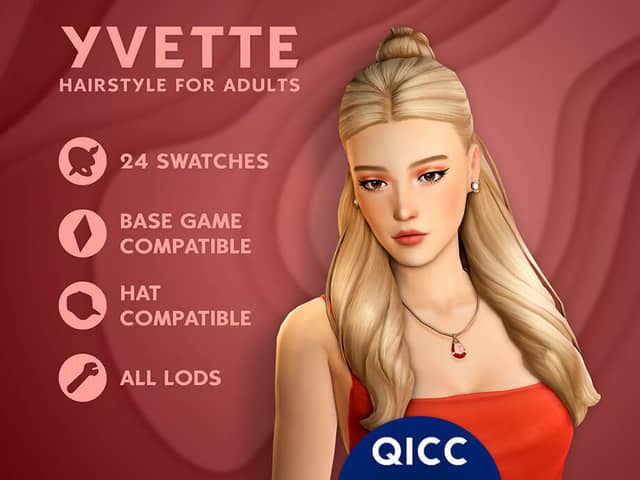
- Hair—HairTry Yvette Hair
- Outfit—OutfitTry Punta Arenas - Set
- Shoes—ShoesTry Metal logo fur mule& Sandals SET
- Accessory—AccessoryTry COSMIC EARRING
- Make-up—Make-upTry Eyeliner | N108
5 to go. Fill the empty hangers to finish the look.
from other departments
Complete the look
Hair, make-up and the small things that go with this one — all free.
 This look · Mods
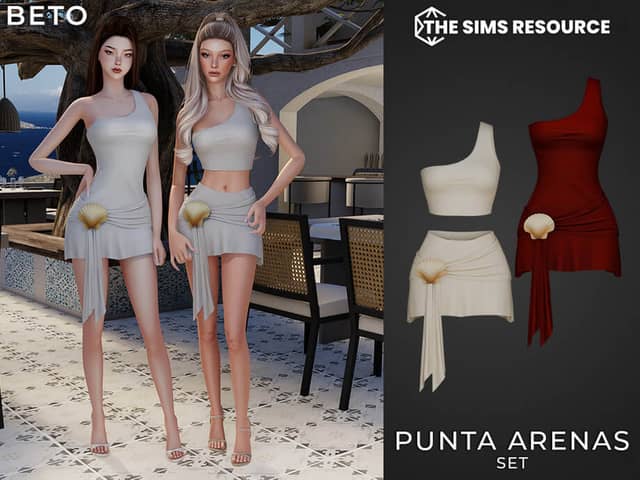
Punta Arenas - Set
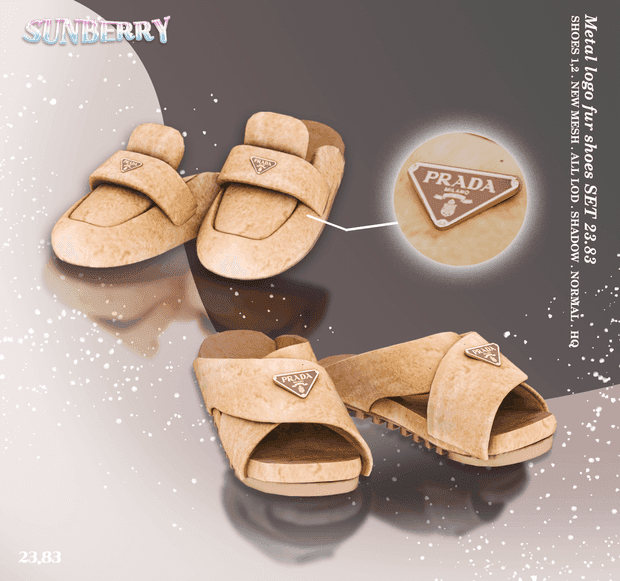
Metal logo fur mule& Sandals SET