

Mods
The Sims 4 Fairies vs. Witches Mod
The Sims 4 Fairies vs. Witches Mod
- Department
- Mods
- Added
- 16 Mar 2022
- Updated
- 5 May 2022
The Sims 4 Fairies vs. Witches Mod
- Added the "Fairy Bungalow", a conversion of the cheaper fairy house from TS3, which has all the same interactions from the other fairy house.
- Bug fixes such as: Child fairies/witches will no longer receive skill points for the opposite occult upon aging up, etc.
- Added more interactions for the Ensorcel spell.
- Updated some animations.
The Fairy Ring! - This object can be placed outside and fairies that are channeling fairy magic will be able to fly around it, building their new Flight skill! As the Flight skill increases, fairies will perform better in the fairy ring and be less likely to fail when flying from place to place. There are several interactions that will increase this skill.
- This item can also be placed in Sylvan Glade, where the glade fairies will autonomously use it.
- Three sims can use the object at one time, but keep in mind that the animations are not synced with each other, so sims will occasionally clip, especially if three are flying at once.
- Child fairies who are taught to fly will receive an immediate boost to the skill upon aging up.
- Nearby sims can watch fairies fly around the ring and increase their Fun need.
- There are more plans for this object in the future as the mod is developed, including some interactions for witches… ;)
- Custom Content This is the addition of player-made clothing or objects to the game. Sometimes just referred to in The Sims community as “CC”.
- Game Mods: These are Mods that add features or change functionality of the game. These Mods may include script code, but not always.
- Mods: A blanket term referring to any player-made content for the game—this includes both Custom Content and Game Mods.
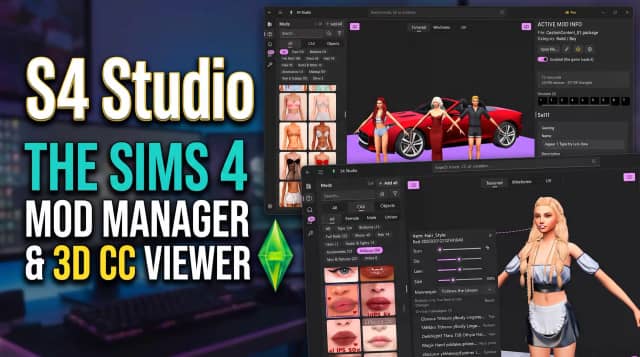
- Enable Mods via the options panel : The setting can be found in “Options > Other > Enable Custom Content and Mods.” and Restart the game
Follows you from page to page · saved on this device
Your outfit
0 of 5
- Hair—HairTry Nightcrawler-Lake Hair STYLE D
- Outfit—OutfitTry ribbed loungewear
- Shoes—ShoesTry MALE DETAILED FEET SHOES AND DEFAULT
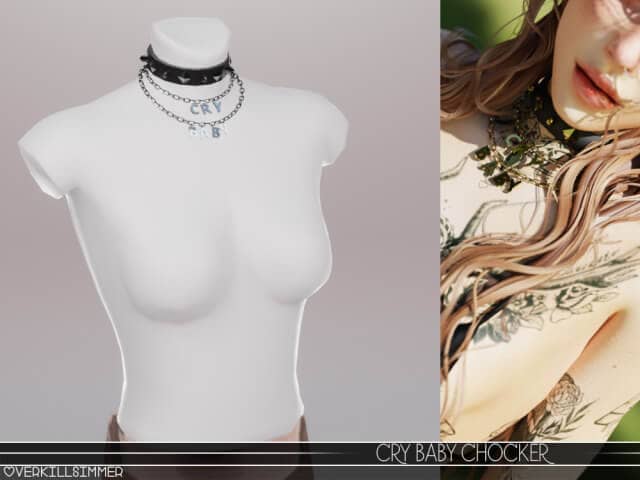
- Accessory—AccessoryTry cry baby chocker
- Make-up—Make-upTry vampire improvement kit
5 to go. Fill the empty hangers to finish the look.
from other departments
Complete the look
Hair, make-up and the small things that go with this one — all free.
 This look · Mods
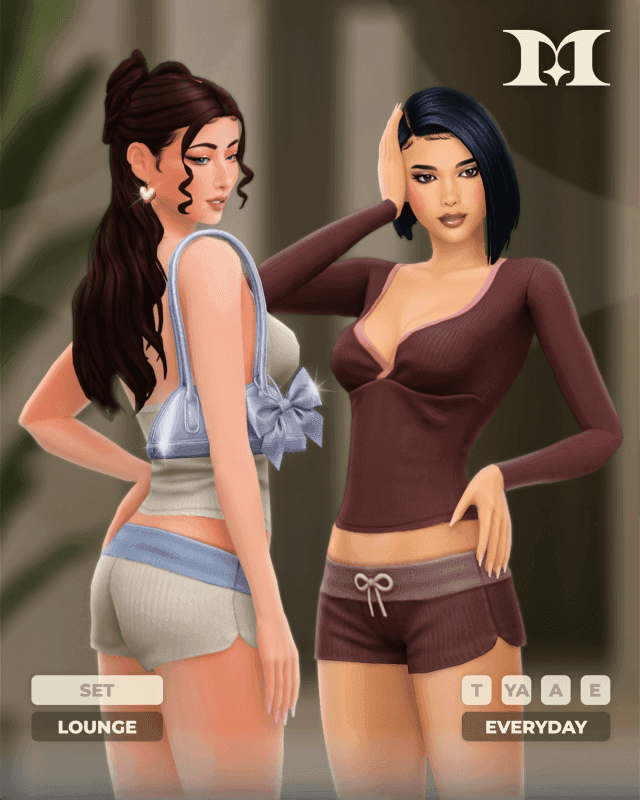
ribbed loungewear
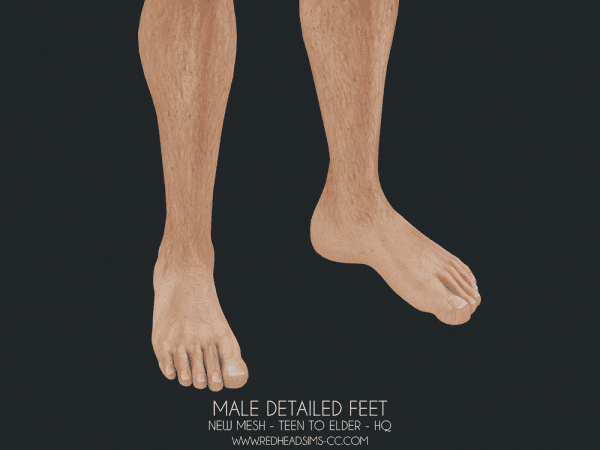
MALE DETAILED FEET SHOES AND DEFAULT