
Mods
Sims 4 items - wickedwhims
Sims 4 items
- Department
- Furniture / Fan Packs
- Added
- 5 Sep 2021
- Updated
- 9 Apr 2026
so I didn’t even plan to look for items at first. I just installed WickedWhims and played like normal. but after a few days I realized something felt… off. like the gameplay had changed, but the environment didn’t really match it.
that’s when I started adding some items.
not a lot, just a few things here and there. mostly small stuff. but weirdly it made a difference. rooms stopped looking so empty, and builds felt a bit more “alive” I guess.
I don’t think you need huge packs either. actually I prefer adding things slowly, because sometimes you download a bunch and then half of it doesn’t fit your game at all.
- Custom Content This is the addition of player-made clothing or objects to the game. Sometimes just referred to in The Sims community as “CC”.
- Game Mods: These are Mods that add features or change functionality of the game. These Mods may include script code, but not always.
- Mods: A blanket term referring to any player-made content for the game—this includes both Custom Content and Game Mods.
- Enable Mods via the options panel : The setting can be found in “Options > Other > Enable Custom Content and Mods.” and Restart the game
Follows you from page to page · saved on this device
Your outfit
0 of 5
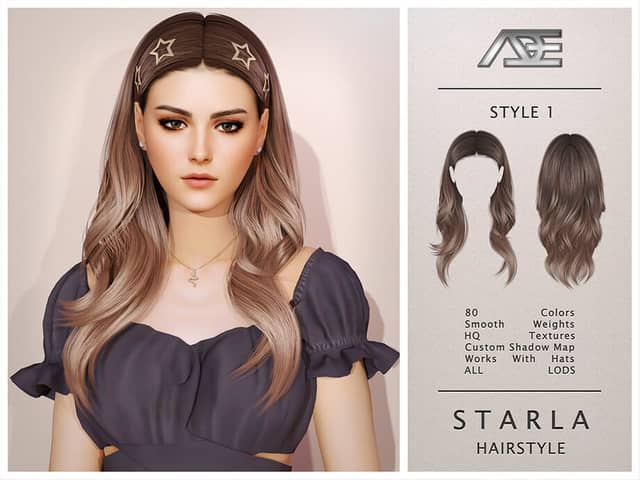
- Hair—HairTry Starla Hairstyle - Style 1
- Outfit—OutfitTry Don’t Care Set (Revamped)
- Shoes—ShoesTry lyra shoes glittery fantasy saw these ones on dua
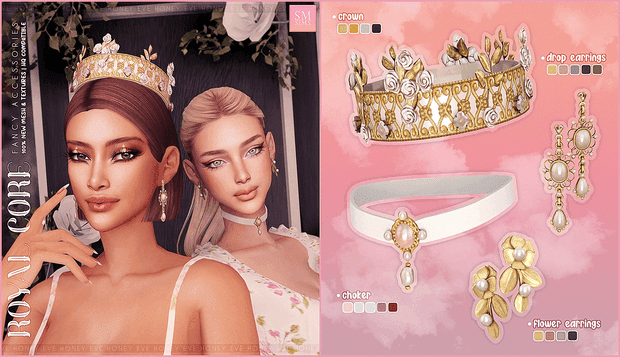
- Accessory—AccessoryTry HONEY | Royal Core - Fancy Accessories
- Make-up—Make-upTry KIMSNW PURE LIGHT BLUSH
5 to go. Fill the empty hangers to finish the look.
from other departments
Complete the look
Hair, make-up and the small things that go with this one — all free.
 This look · Mods
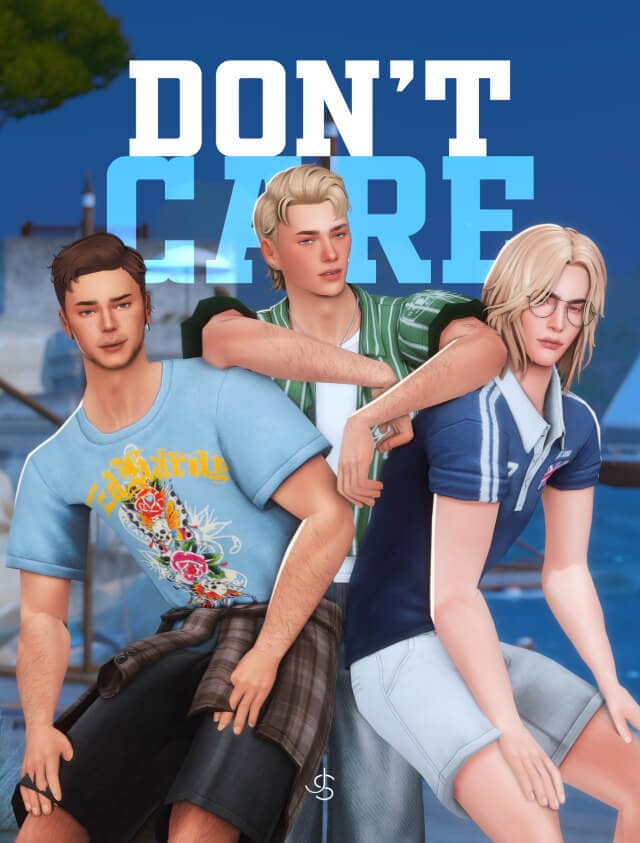
Don’t Care Set (Revamped)
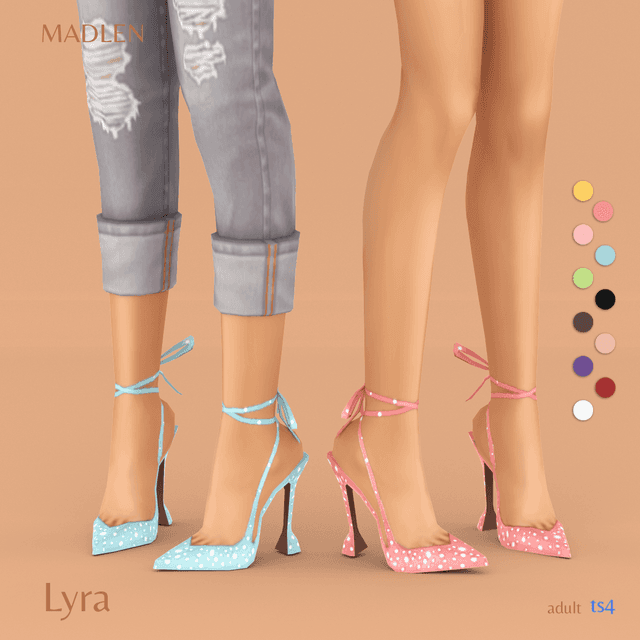
lyra shoes glittery fantasy saw these ones on dua